Best reMarkable for Sudoku: Free PDFs and Tablet Guide
Looking for the best reMarkable for Sudoku? Choose your tablet by writing space first, then download a free 10-puzzle PDF pack built for its screen. This guide compares the current screen fits and links to the free packs and setup instructions.
Pick your reMarkable screen for Sudoku
| Tablet | Screen and writing fit | Free Sudoku PDF |
|---|---|---|
| reMarkable Paper Pro | 11.8 inch color display, best for the largest grid and widest handwriting room | standard PDF |
| reMarkable 2 | 10.3 inch grayscale display, compact classic paper-tablet size | standard PDF |
| reMarkable Paper Pro Move | 7.3 inch color display, best for portability | Move PDF |
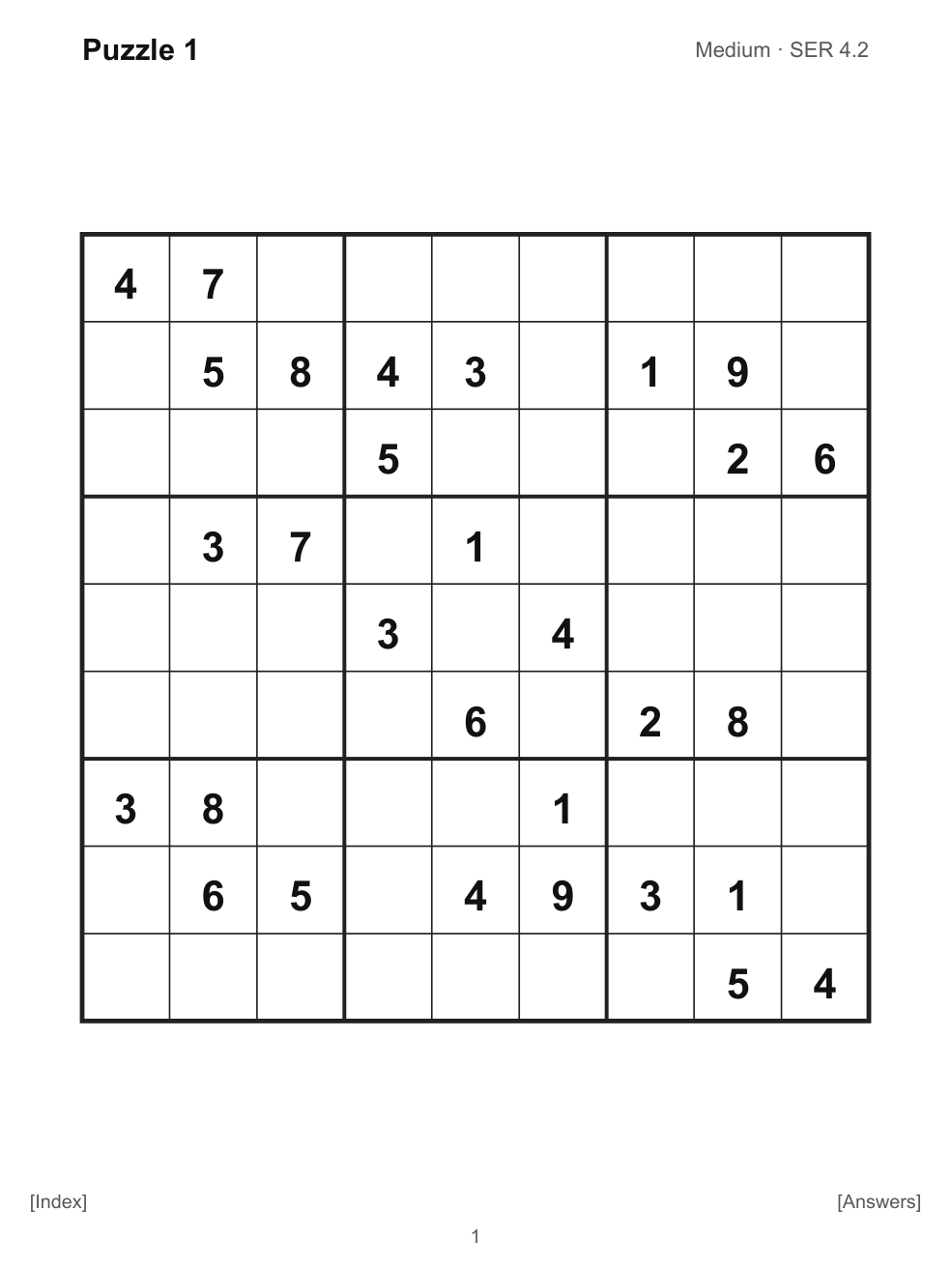
The standard PDF is built for the 4:3 reMarkable 2 and Paper Pro screens. The separate Move PDF fills the Paper Pro Move's tall 9:16 screen instead of leaving the grid inside a letter-size margin.
Recommended reMarkable tablets for Sudoku
Choose the reMarkable Paper Pro bundle with Marker Plus if you want the largest Sudoku writing area. Choose the reMarkable Essentials Bundle with a 10.3 inch tablet, Marker Plus, and folio if you prefer a compact grayscale writing tablet. Both use the standard PDF.
As an Amazon Associate, Pixel Wizard Press earns from qualifying purchases.
Get the free reMarkable Sudoku PDFs
The free reMarkable Sudoku page has medium, hard, expert, and extreme packs. Every pack has 10 hyperlinked puzzles, an index, answer links, and both screen-fit files when needed.
Need upload steps instead of tablet advice? Use the reMarkable Sudoku PDF setup guide. It shows how to choose the file, upload it, and use the tap-to-jump navigation.