
PNG Stickers and Clipart: How to Use Them
Half the "clipart" you buy comes with a white box stuck behind it. You drop the cute little frog onto your planner page and there it is, a hard white rectangle ruining the whole thing. That box means the file is a JPG pretending to be clipart, or a PNG someone never bothered to cut out.
The thing that makes clipart usable is the part you cannot see: the transparent background. Get that right and one file works in a dozen places. Get it wrong and you are stuck erasing white boxes all afternoon.
TL;DR: good PNG clipart has a true transparent background and high resolution, so it drops cleanly into planners, Cricut print-and-cut, cards, and digital art with no white box and no fuzzy edges.
What to check before you buy
You can spot the difference before you spend a cent if you know what to look for.
- File type. It needs to say PNG, not JPG. JPG cannot hold transparency.
- Transparent background. Listings should show the art on a checkered or colored backdrop so you can see the cutout is clean.
- Resolution. 300 DPI, sized large enough to print sharp. Tiny web images pixelate the second you scale them up.
- Individual files. You want each sticker as its own PNG, not one giant sheet you have to crop apart yourself.
A pile of 30 separate transparent PNGs is far more useful than one big collage image, even if the collage looks busier in the thumbnail.
What you can actually do with them
This is where PNG clipart earns its keep. The same pack works across formats:
- Digital planners in GoodNotes, Notability, or any app that takes stickers
- Print-and-cut on a Cricut or Silhouette for real peel-and-stick stickers
- Card making, scrapbook pages, and journal spreads
- Invitations, party printables, and classroom materials
- Small shop products, mugs, shirts, totes, if commercial use is allowed
Because the background is transparent, you are not fighting a white box in any of those. The sticker just sits on top of whatever is underneath.
Who it is for
Clipart packs are for people who assemble things, not just buy them finished:
- Planner and bullet-journal people who decorate spreads
- Crafters with a cutting machine who want to make their own stickers
- Teachers and parents making worksheets, charts, and party printables
- Small makers who put art on products and need commercial-use files
- Digital scrapbookers and collage artists
If you only want stickers to peel and stick and never touch a printer, physical sticker sheets are the better buy. If you want to make and reuse, the PNG pack wins.
How to print and cut them
For real stickers at home, the workflow is simpler than it sounds.
- Print on sticker paper, matte for writing on, glossy for shine
- For a cutting machine, use print-and-cut so the registration marks line up the blade
- For hand-cut, leave a small white border around each piece, it looks intentional and cuts cleaner
- For digital planners, no printing at all, just import the PNGs into your sticker app
Commercial use is included on these packs, so finished products you make and sell are fine. You just cannot resell the raw PNG files as a competing pack.
A few packs to start with
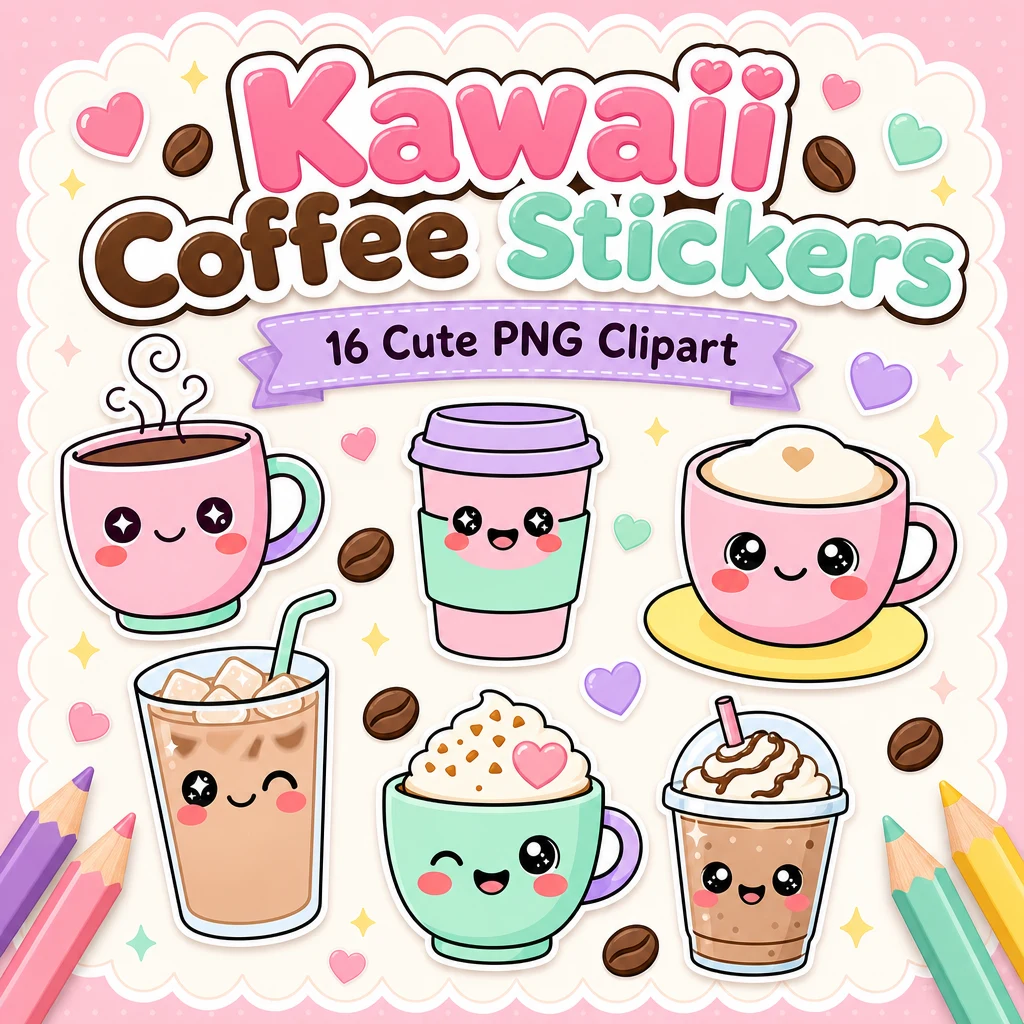
If you want to see what clean transparent cutouts look like, the glossy Gummy Glow clipart is a good test, the jelly-candy shine makes bad cutouts obvious. The Shimmer Squad Japanese food set and the Shimmer Squad coffee and drinks set are the 30-piece kawaii packs. For smaller themed sets, the Kawaii Coffee stickers and Kawaii Cats stickers are easy entry points.
What is the difference between PNG clipart and a sticker?
Clipart is the raw transparent art file. A sticker is what you make from it, printed and cut, or imported into a planner app. The same PNG can become a printed sticker, a digital planner sticker, or art on a card.
Can I use these on products I sell?
Yes, commercial use is included, so you can put the art on stickers, mugs, shirts, and printables you sell. You cannot resell the original PNG files as your own clipart pack.
Do PNG stickers work in GoodNotes?
Yes. Transparent PNGs import straight into GoodNotes, Notability, and most digital planner apps as stickers, with no white box behind them.
Where to grab a pack
The full clipart and sticker line sits on the PNG bundle downloads page, with the rest of the printables on the main downloads hub. You can browse the shops directly on Etsy, Gumroad, or Payhip. Zoom in on the cutout before you buy. The clean ones have nothing to hide.